
Merchant Listing Structured Data – Maximising eCommerce Reach
Google’s newly updated merchant listing structured data is all set to maximise your sales! What is structured data? What changes does Google make in its structured data properties? How could these changes or additions in structured data help your business or eCommerce SEO?
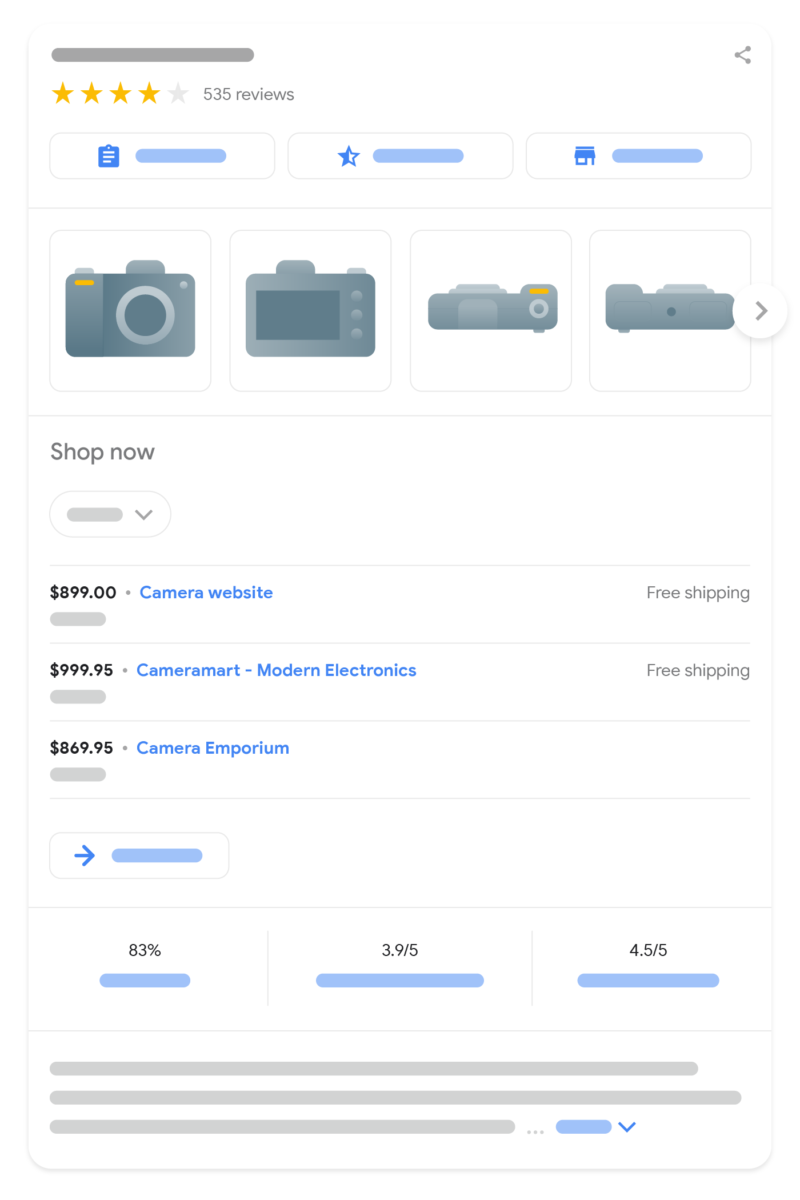
Undeniably, there is fierce competition in the eCommerce space. Catchy titles and meta descriptions are no longer enough to enhance your rank. To gain the edge in your market or niche, your products need a dynamic transformation to include pertinent details:
- Pricing
- Rating
- Availability
- Shipping terms
And this is where merchant listing structured data comes in!
What Is Merchant Listing Structured Data?
Structured data is simply code that you include in your website to help search engines understand a page and its meaning. Where standard schema tells a bot about what the page is for, merchant listing structured data does a deep dive.
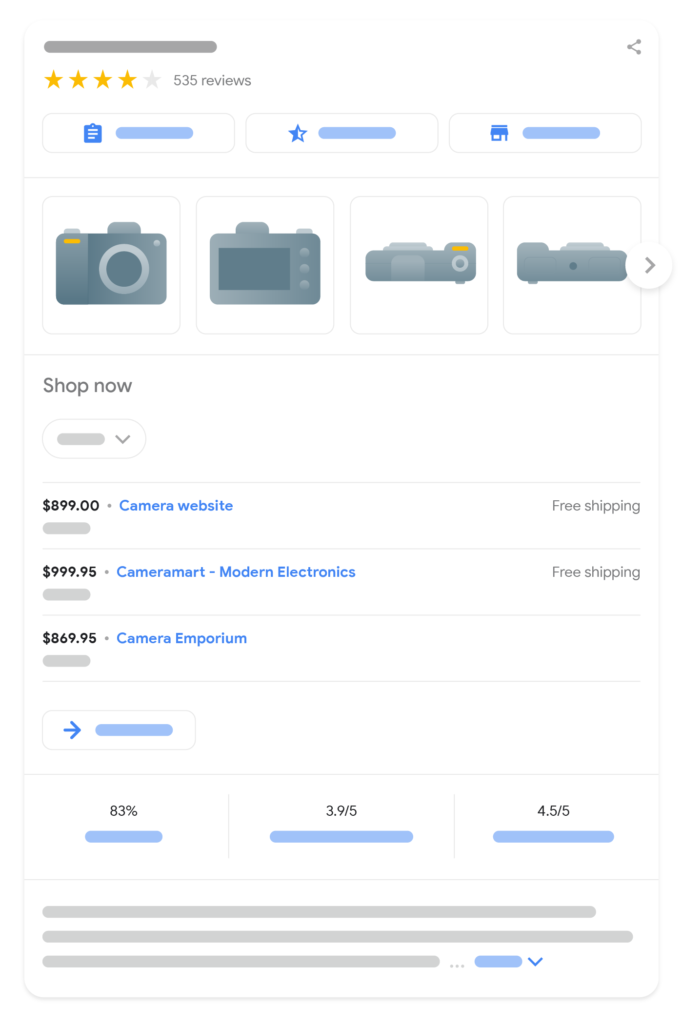
Merchant listings are designed for transactional web pages. They fall under product schema and inform search bots on the best ways to display your products for the most immersive, interactive shopping experience for your user.
- Shoppers get to learn about price drops and live sales through visual labels.
- Customers will also get real-time update on availability of stock, expected delivery time, and shipping costs, and these all without exiting their tab!
Why Is Merchant Listing Structured Data So Important?
Structured data, when implemented correctly, helps search engines enhance your listings with rich results.
- Due to their distinctive visual elements, the click-through rate increases because ratings, pricing, and shipping details become available within the snippet.
- Conversion rates improve because customers who click are already aware of stock availability, price, and shipping terms. They are more likely to finish the purchase.
- Search engines will index your eCommerce site more confidently because your data is broader, cleaner, and more crawlable.
Merchant Listing Structured Data – Keeping Up with Recent Updates
eCommerce schema rarely remains static. Google recently released a series of updates, and keeping up with them ensures you stay above the competition that is slow to review their code. In the most recent release, Google has expanded merchant listing support in two main ways:
Enhanced sale duration. eCommerce websites have long struggled to find the right way to communicate temporary price drops. If a bot indexed your site during a seasonal sale but did not crawl it again after the sale ended, your shoppers might be misguided about which prices are current. The update allows you to clearly define the sale duration.
- The property can be found in ‘price Valid Until’ within the ‘Offer’
- It specifies the exact timeline of your promotional prices including their expiry. This ensures that your flash sales come and go without leaving any price inconsistencies.
Better Product Categories– This update gives you greater control over listings by having them locked in their respective categories.
- The ‘Product Category’ property can now be configured so that search engines know exactly where something belongs instead of guessing.
- Your products will no longer be filtered out unnecessarily if they align with a search category.
How Clean Merchant Listing Schema is Supposed to Look Like?
Merchant listings use JSON-LD.
Below is a clean and structured example for an eCommerce product page. Appreciate how intuitively pricing, availability, categories, and sale durations are integrated.
JSON
{
“@context”: “https://schema.org/”,
“@type”: “Product”,
“name”: “Premium Alpha Elite Running Shoes”,
“image”: [
“https://example.com/photos/1×1/shoes.jpg”
],
“description”: “High-performance running shoes designed for ultimate durability and metabolic efficiency.”,
“sku”: “PAERS-001”,
“mpn”: “925872”,
“brand”: {
“@type”: “Brand”,
“name”: “Valiant”
},
“productCategory”: “Apparel & Accessories > Shoes”,
“offers”: {
“@type”: “Offer”,
“url”: “https://example.com/products/alpha-elite-shoes”,
“priceCurrency”: “USD”,
“price”: “119.99”,
“priceValidUntil”: “2026-07-31”,
“itemCondition”: “https://schema.org/NewCondition”,
“availability”: “https://schema.org/InStock”,
“shippingDetails”: {
“@type”: “OfferShippingDetails”,
“shippingRate”: {
“@type”: “MonetaryAmount”,
“value”: “0.00”,
“currency”: “USD”
}
}
}
}
Test and Validate Before Execution
The room for error when it comes to deploying this schema is virtually non-existent. A missing comma or misplaced bracket will invalidate the entire code block. Follow some steps before executing this property:
- Test your code first with Google’s Rich Result Test tool before deploying and handle all errors and warnings that arise before deploying.
- Ensure it is in agreement with your other strategies when it comes to things like price and availability. Any discrepancies will hinder your listings.
- Finally, review the Merchant Listings report in your Google Search Console. Understand the health of your data over time especially after every site update.
Merchant Listing data lightens the work of search engines thanks to its structure, accuracy, and time. Use it properly and watch your eCommerce listings transform into a force that converts and grows your digital storefront.